
Creating Matters
Learn about matter types and client details in Creating a New Matter
This guide walks you through creating your first matter and generating documents.
Certum Draft helps you:
When you open Certum Draft, the dashboard is your home base.
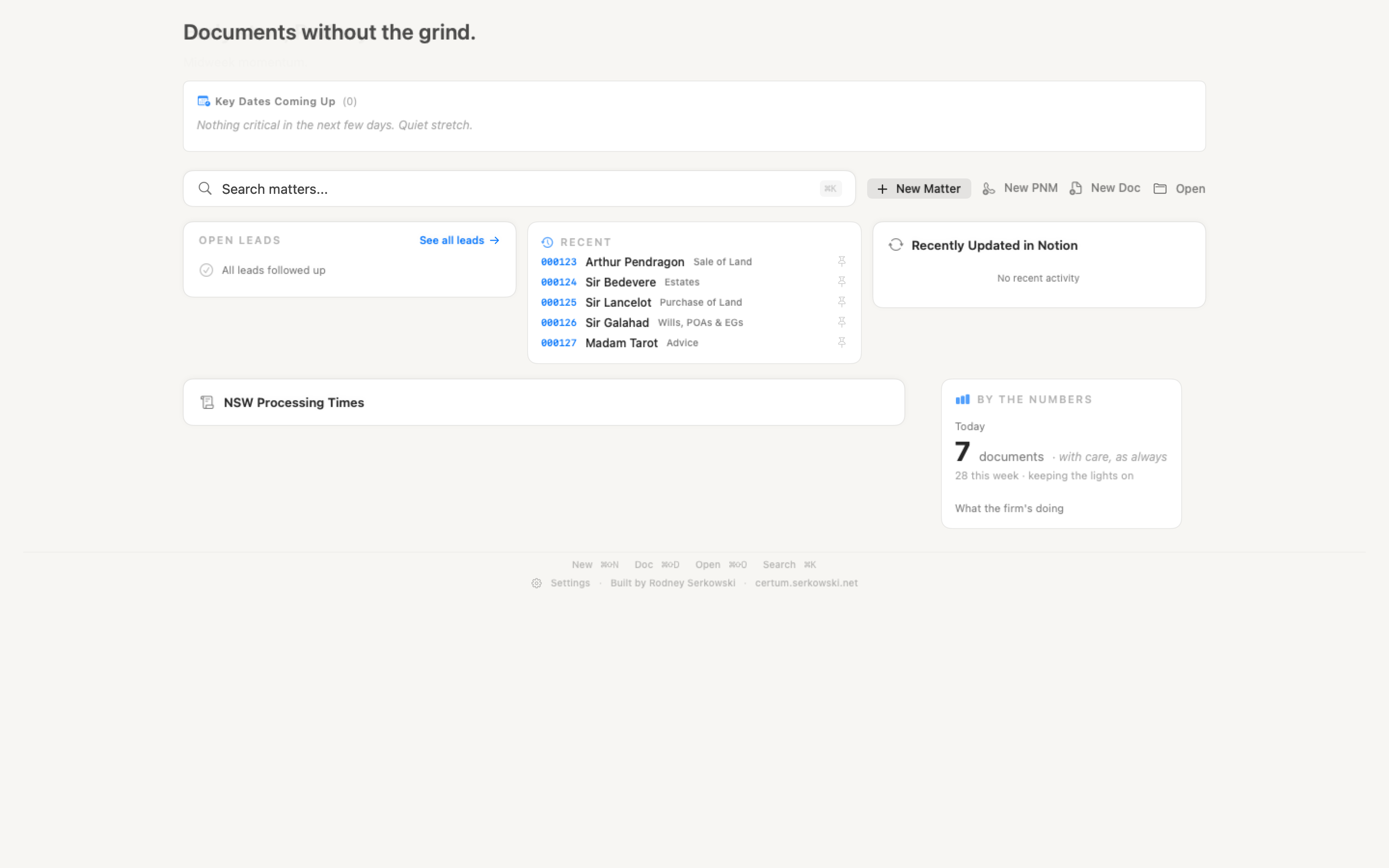
From the toolbar you can:
The sidebar on the left switches between the app’s main destinations: Dashboard (⌘ + 1), Matters (⌘ + 2), Leads (⌘ + 3), Reference (⌘ + 4) and Tasks (⌘ + 5).
The search bar sits above Key Dates; under it, the Today panel holds your tasks and the Recent panel your matters, with Open Leads and Institution Notifications below. NSW Land Registry and court processing times live under Reference. The Dashboard page covers each part.
A new folder is created with:
When you open a new matter for the first time, Certum Draft offers a guided interview — a step-by-step walkthrough that asks for the essential information. You can skip to the full form at any time.
Your documents appear in the matter folder, ready to review and use.
| Action | Shortcut |
|---|---|
| New Matter | ⌘ + N |
| New Lead | ⌘ + Shift + P |
| New Document | ⌘ + Shift + D |
| Open Matter | ⌘ + O |
| New Task | ⌘ + Shift + T |
| Search Matters | ⌘ + K |
| Matters / Leads / Reference / Tasks | ⌘ + 2 / 3 / 4 / 5 |
| Settings | ⌘ + , |
Creating Matters
Learn about matter types and client details in Creating a New Matter
Generating Documents
Understand templates and missing fields in Generating Documents