The matter workspace for small Australian firms.
One native Mac app where the whole matter lives — adaptive forms, documents from your own precedents, settlement adjustments, estate administration, the firm's tasks, invoicing and file notes. All of it stored as ordinary files you own.
Certum Draft is in early access for a small number of firms — tell us about yours.
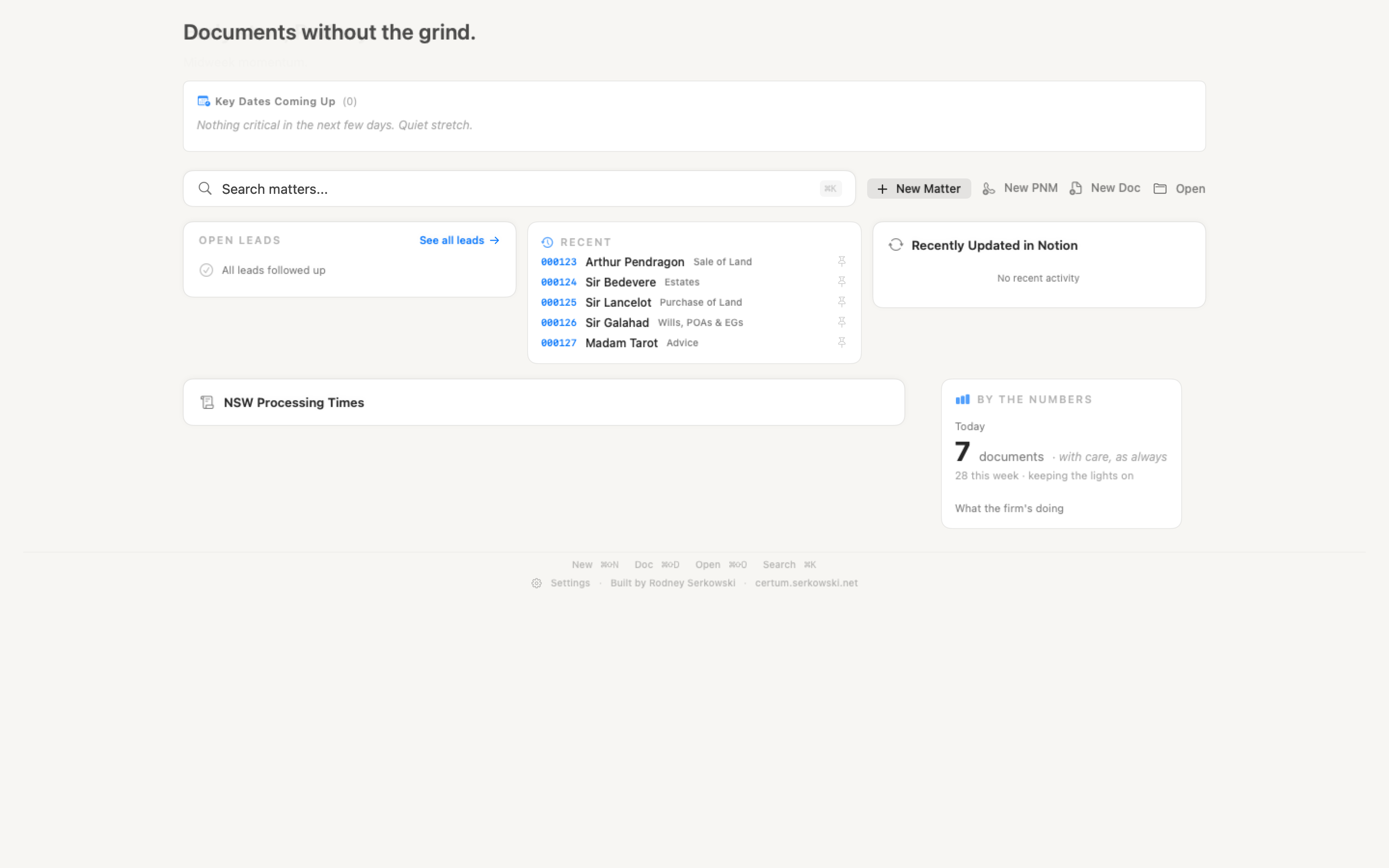
A workspace for every matter.
Each matter type has its own form. Fields that don't apply stay hidden, computed fields fill in derived values — uppercase names, joined addresses, business-day dates — and everything auto-saves as you type. The overview reads as one sheet of the matter's facts with the next deadline at the top. Documents, key dates, settlement figures, correspondence and the stage checklist live in the same window, and a checklist step can be handed to a colleague as a task.
Matters are folders on Dropbox, so several Macs work the same files: one Mac edits a matter at a time, the others read it, and a save that would overwrite a change made elsewhere is stopped and shown rather than applied.
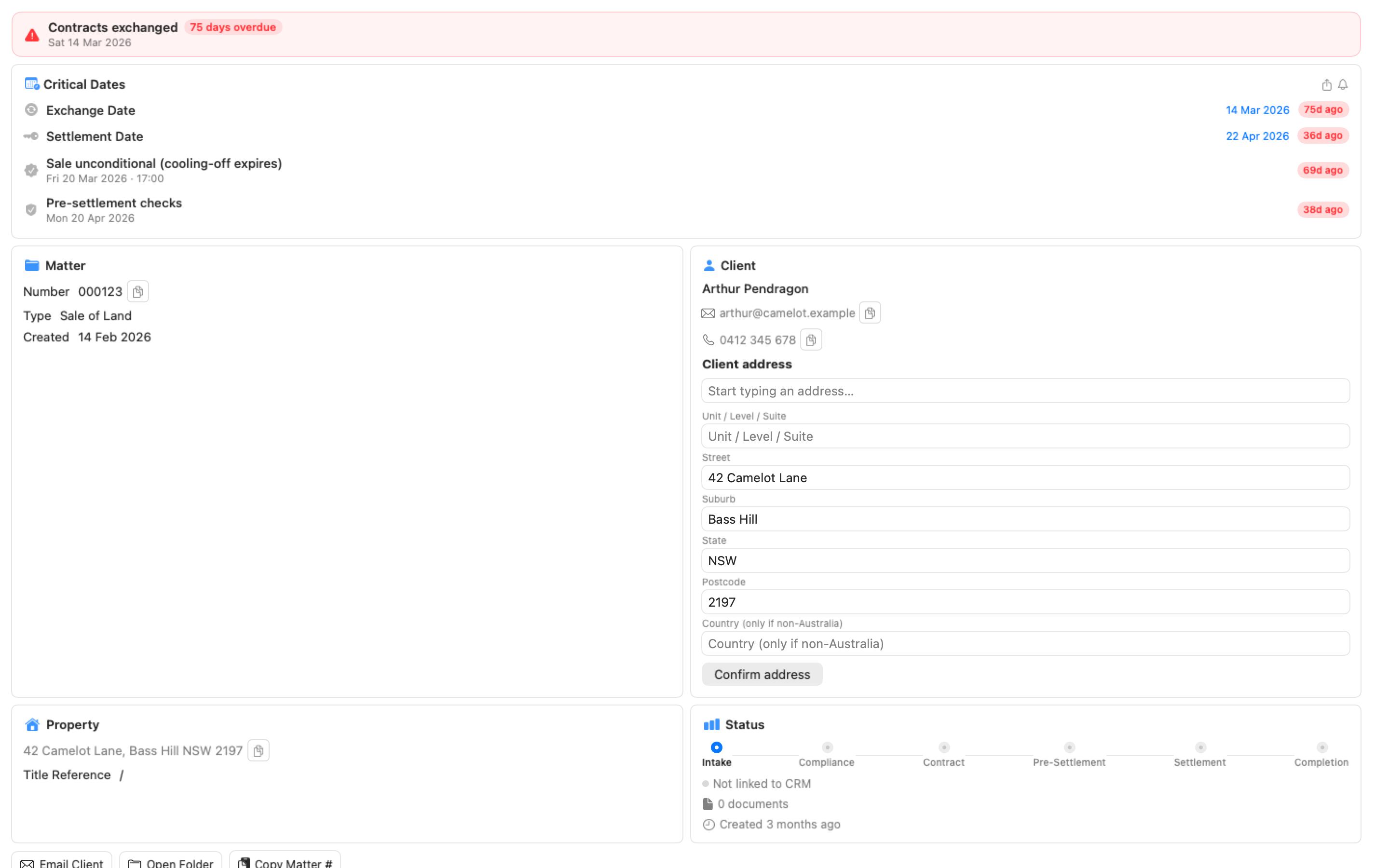
Letters, agreements, certificates — one click.
Select the precedents you need, preview the result, generate. Each document lands in the matter's folder, correctly named, with every placeholder filled from the matter's details. The templates are your firm's own Word and Excel files — there is no vendor content subscription to maintain them against.
When something is missing, the wizard says which document needs review and which field was blank, and takes you to the field. A precedent with a broken clause comes out flagged in red as "do not send" rather than quietly incomplete.
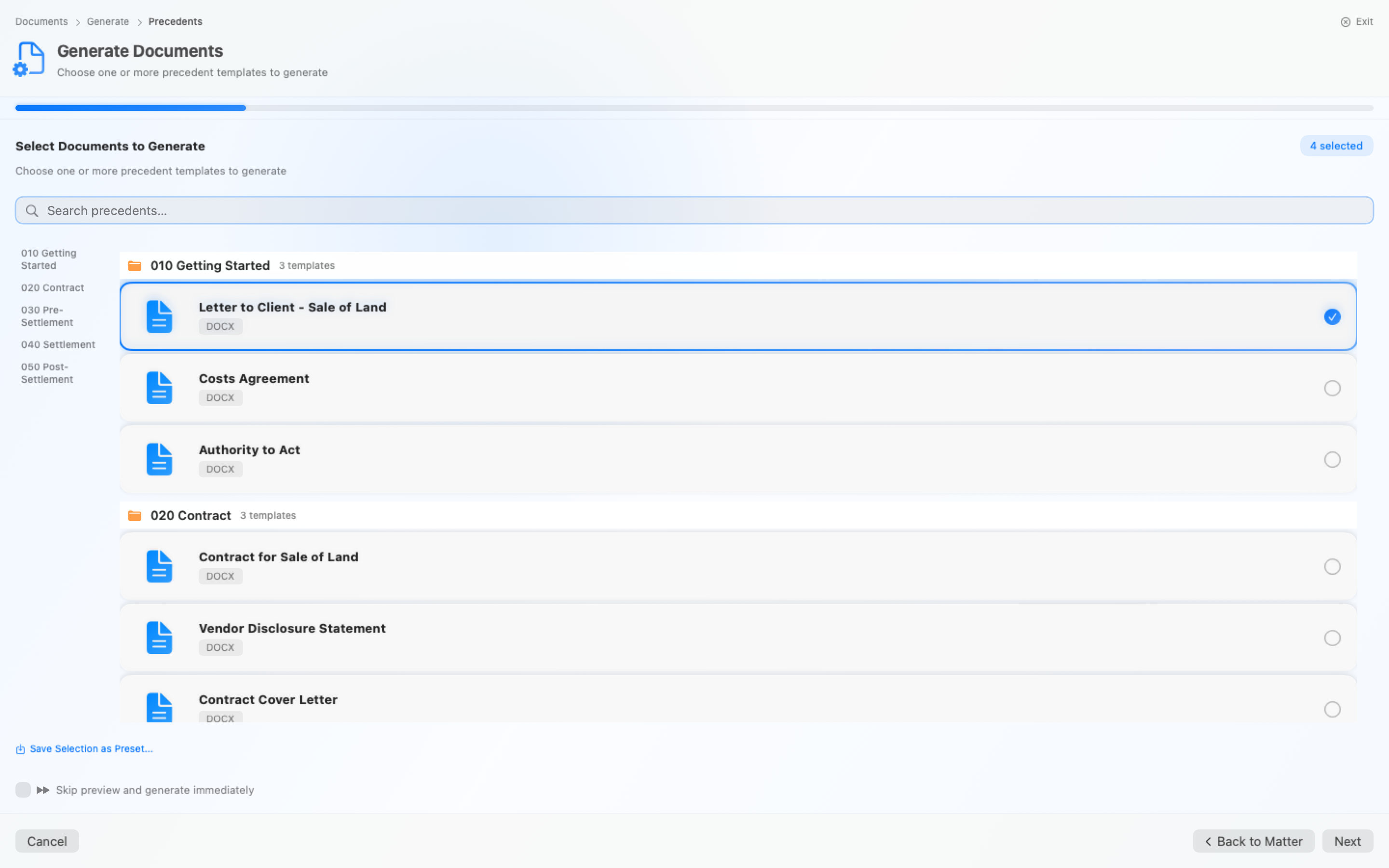
The firm's work, filed against the matter.
One line captures a task — chase the bank #13628 @mel fri — and it lands on the matter and on the right person's list. The Tasks page shows yours, the whole firm's, and everyone you're waiting on; a delegated task comes back with a note for checking; a monthly or quarterly duty rolls to its next period when ticked; and the follow-ups on an estate's institutions become tasks that re-date themselves when you log a chase.
Tasks live in the firm's Notion database, so the people who prefer Notion see the same list. Your own tasks reach your iPhone through Apple Reminders, and Siri can add one.
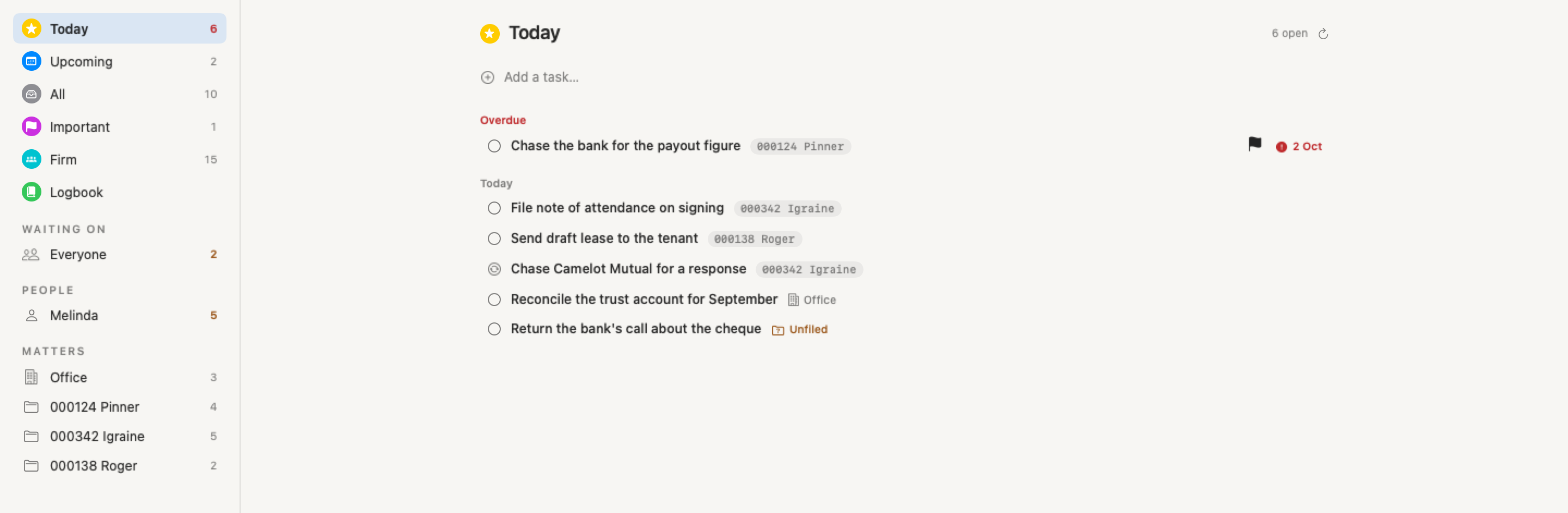
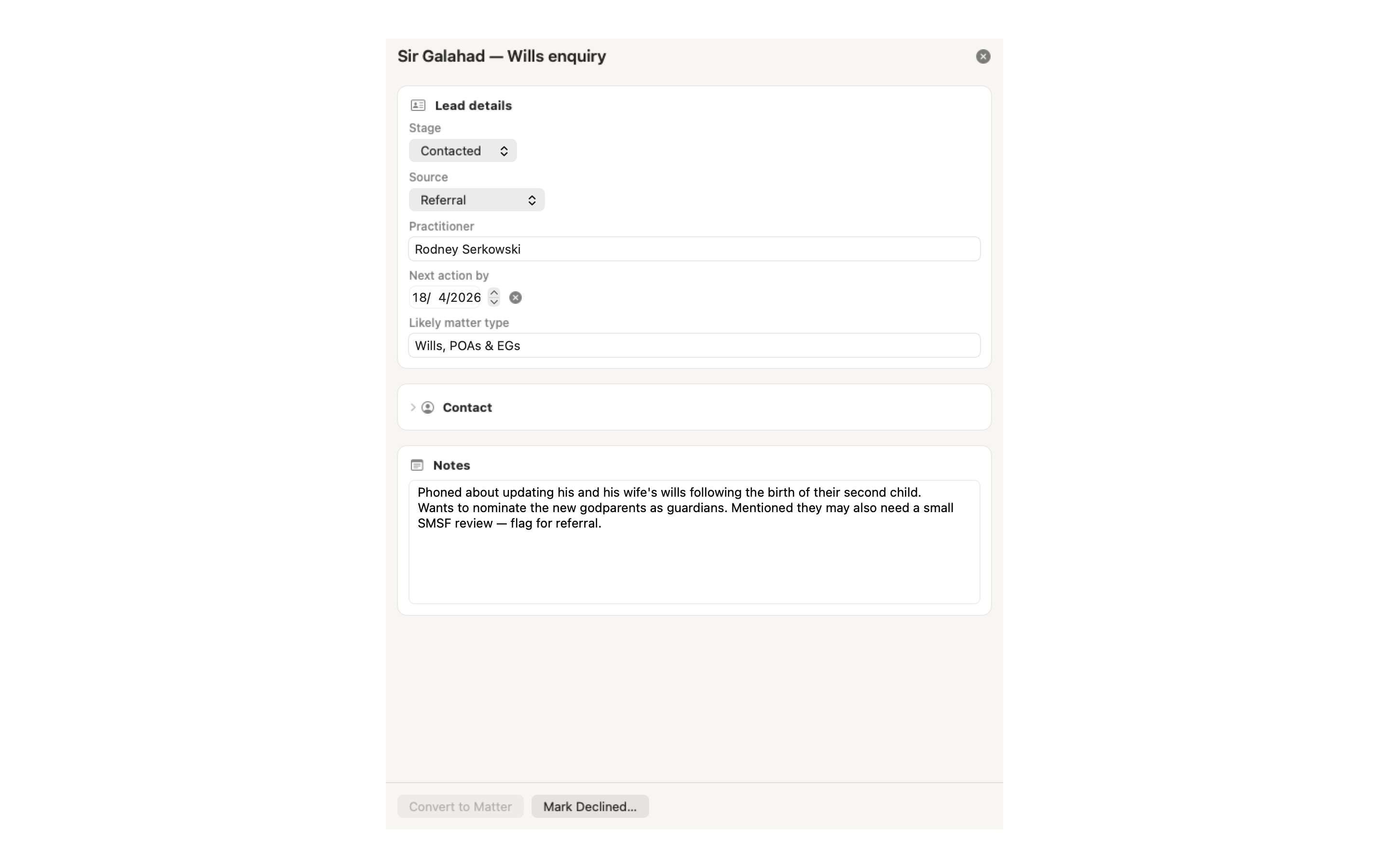
Track enquiries before they're matters.
A call comes in, or an email lands. Hit + New PNM to capture the basics. The enquiry syncs to Notion so the whole firm can see it, and when it becomes real work you convert it to a matter without re-entering anything.
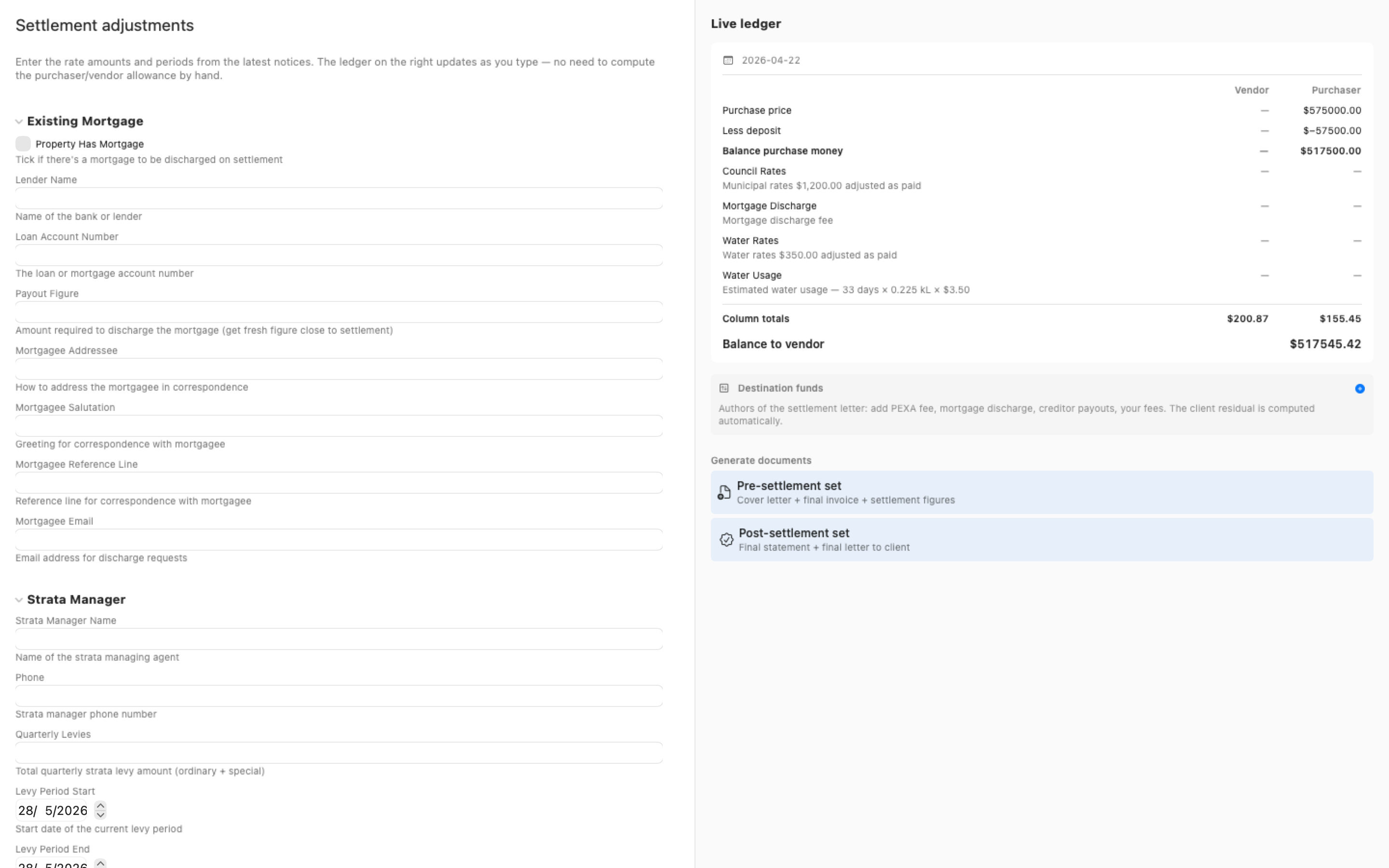
Settlement adjustments from the rate notices.
Enter the amounts and periods from the council, water and strata notices. Certum apportions each between vendor and purchaser, calculates the allowances and the balance due to the vendor, and carries the figures into the settlement letter and adjustment statement — with the line-by-line workings kept alongside.
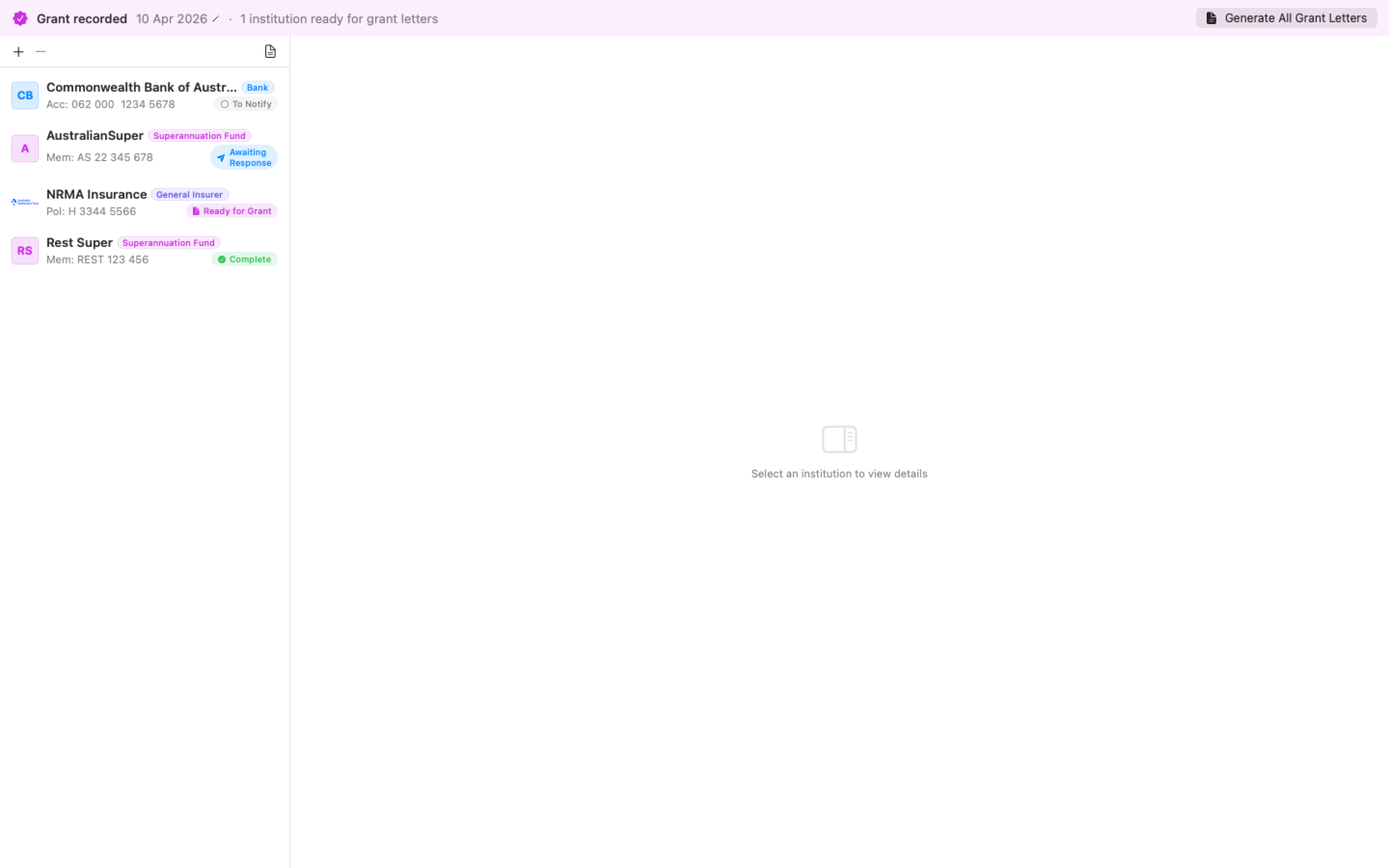
Every institution, from notice to funds.
Pick the deceased's banks, super funds and insurers from a catalogue of over 1,500 institutions. Certum drafts the notification and grant letters and records where each institution is up to — notified, responded, grant sent, funds received, or closed because nothing was held — so the outstanding ones are always visible. Each institution has a contact log; a call or email you log resets its chase clock, and a follow-up task can carry the chasing for you.
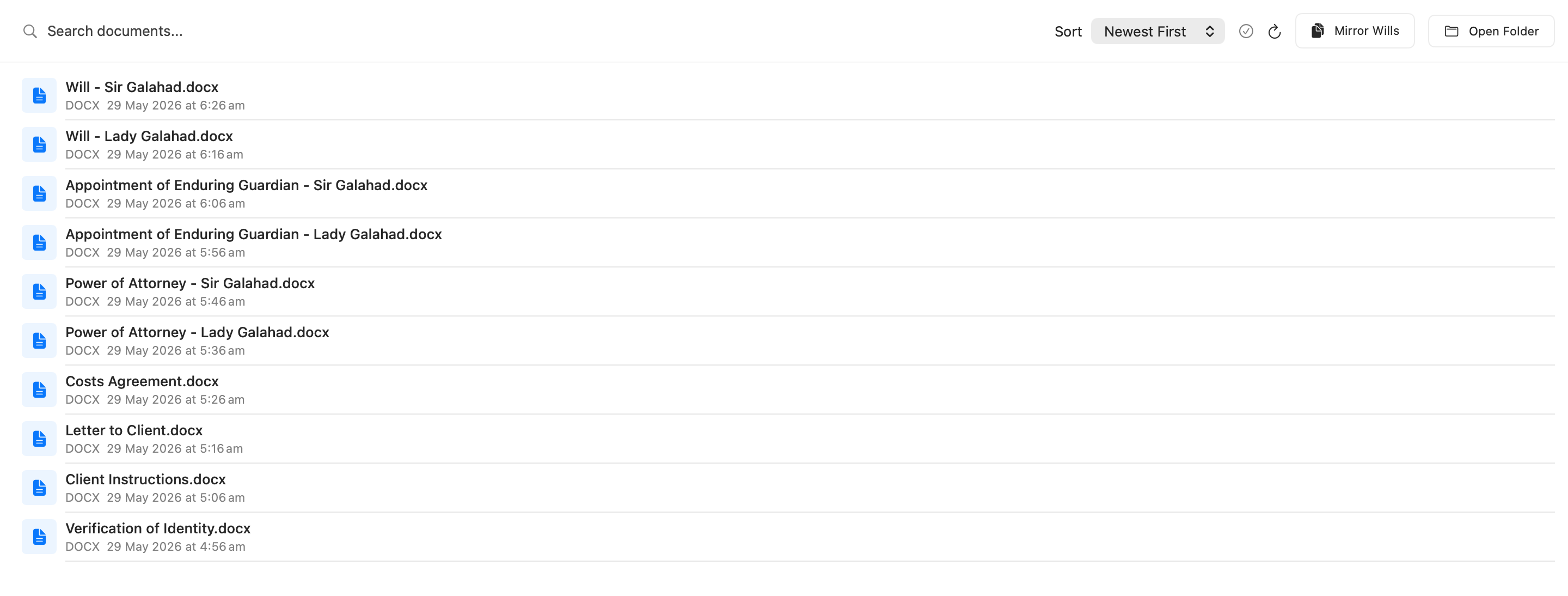
Mirror wills from one set of instructions.
For couples making reciprocal wills, Certum drafts both from the one set of instructions — each spouse as the other's executor and primary beneficiary, with the substitute executors and contingent gifts carried across — ready for you to review.
The admin around the documents.
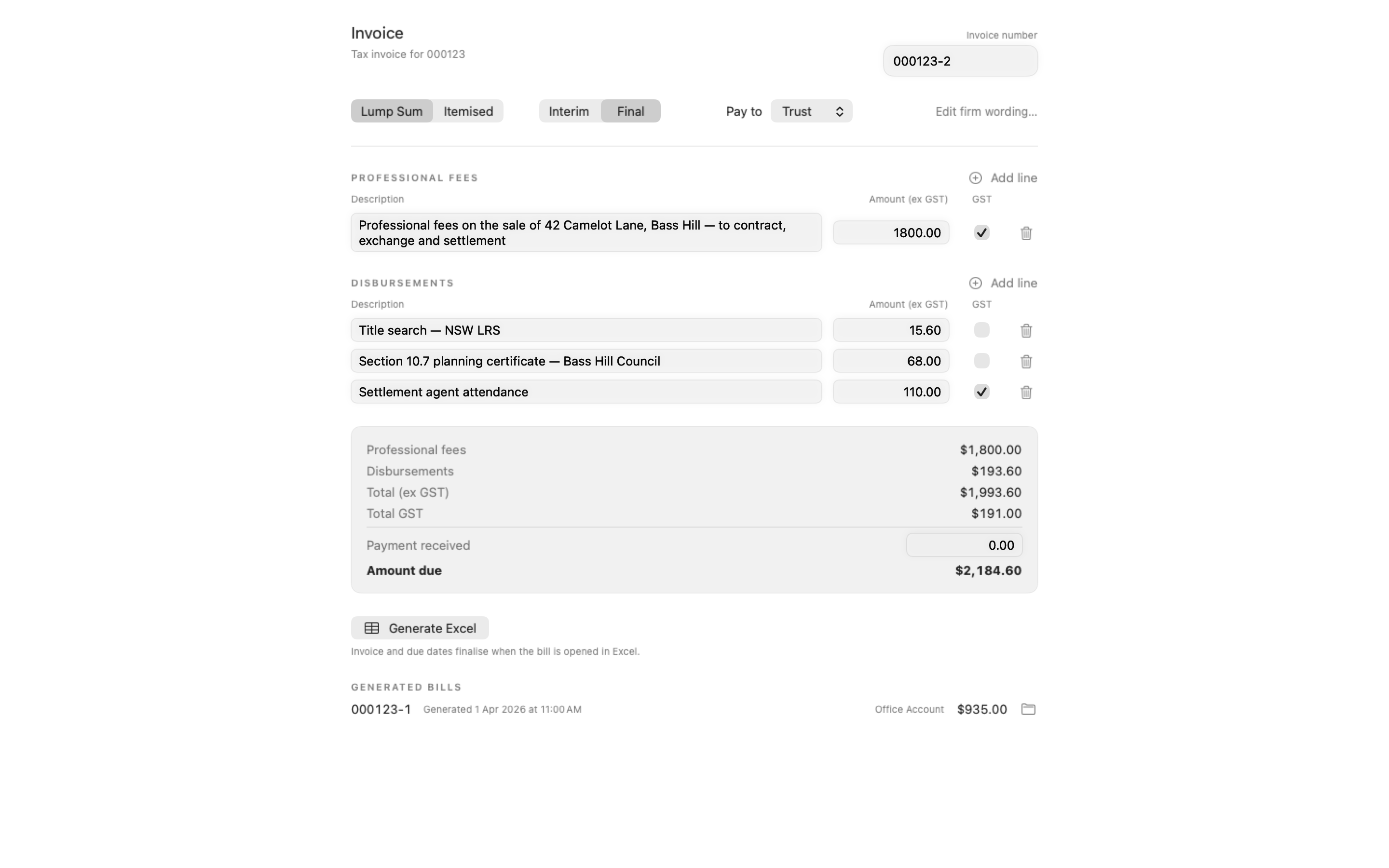
Invoices — a bill composer with GST handling and a per-matter register of generated bills, rendered from your own invoice template.
File notes — six note types filed as PDFs into the matter's correspondence, stamped with when the attendance happened, the time rounded to six-minute billing units, and a next step that becomes a task.
AML/CTF compliance — identity verification, sanctions and PEP screening, risk assessment and CDD reports for the Tranche 2 obligations. Finalising a matter lists what is still unmet.
Key dates — cooling-off, settlement, probate and lease deadlines derived from the dates on the form, on the dashboard with notifications. Current NSW Land Registry and court processing times sit a click away under Reference.
Automation — an audited local API lets AI agents read matters and filed correspondence, propose field values and institutions, draft documents and add tasks. Every proposal waits in a review desk where the solicitor edits, accepts or rejects it row by row; nothing an agent does is client-facing. Claude connects in one command.
Syncs clients, matters, leads, tasks and shared notes with Notion.
Interested?
macOS 27+ · v0.9.397 · Free during early access
Request accessApple silicon · Updates via Sparkle