
AML/CTF Compliance
From 1 July 2026, Australian law firms providing designated services must comply with AML/CTF Tranche 2. Certum Draft includes built-in compliance blocks for Purchase, Sale, and Estates matters.
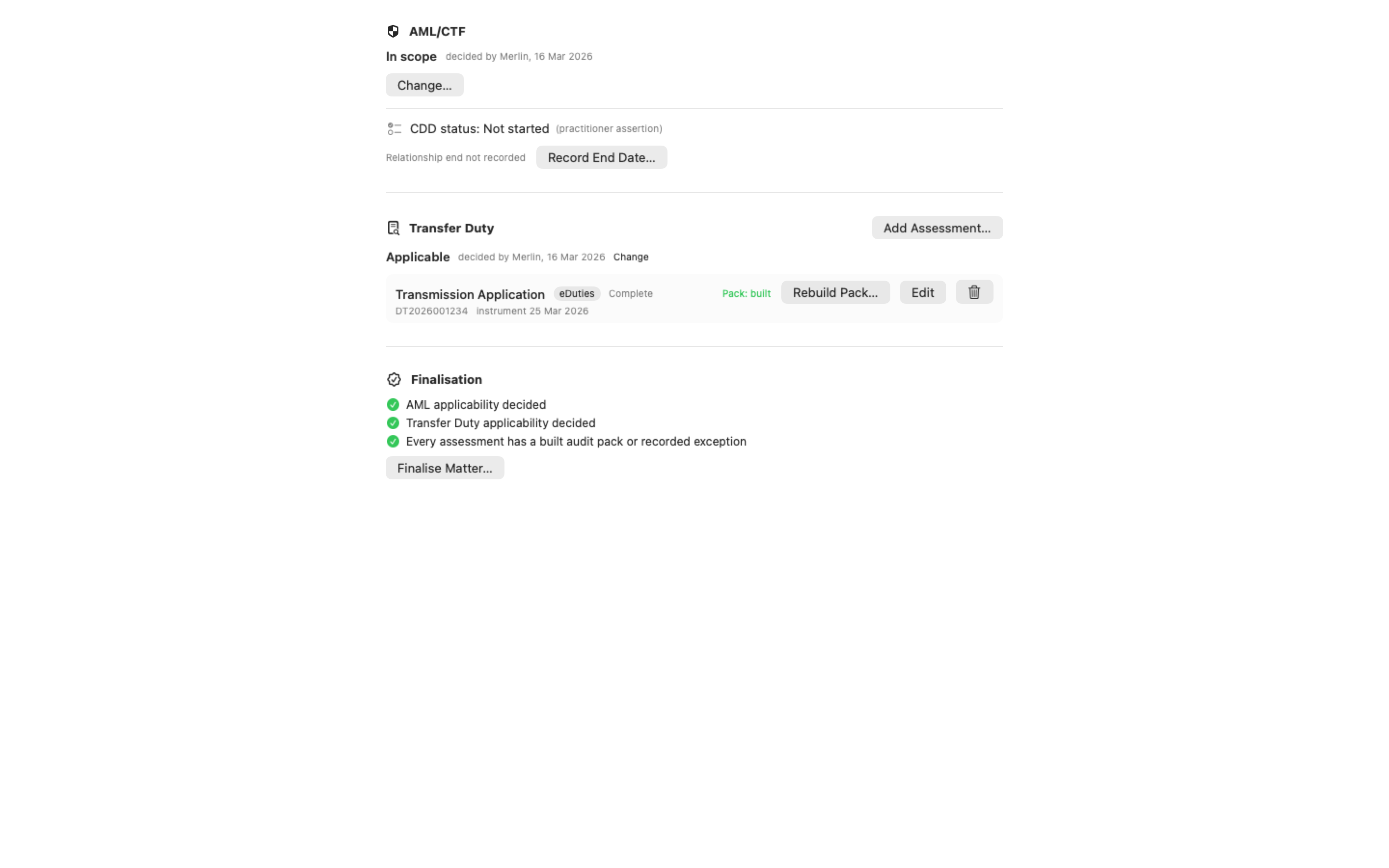
Compliance Tab
Section titled “Compliance Tab”The Compliance tab appears as the second workflow stage (after Intake) in applicable matter types. It contains six blocks:
Identity Verification
Section titled “Identity Verification”- Verification method (in person, certified copy, electronic, video call)
- Primary and secondary ID documents with number and expiry
- Verified by (staff member)
PEP & Sanctions Screening
Section titled “PEP & Sanctions Screening”- PEP check with conditional detail fields
- DFAT sanctions screening result and date
Risk Assessment
Section titled “Risk Assessment”- Risk factors: client type, transaction, jurisdiction
- Overall rating: Low / Medium / High
- Enhanced Due Diligence auto-triggers for High risk
Source of Funds
Section titled “Source of Funds”- Funding source (mortgage, savings, sale, gift, etc.)
- Transaction value and cash component
- Evidence sighted
Source of Wealth
Section titled “Source of Wealth”Only visible when Enhanced Due Diligence is required. Includes senior management approval.
Compliance Status
Section titled “Compliance Status”- Overall status tracking
- Red flag documentation
- Suspicious Matter Report tracking
CDD Report
Section titled “CDD Report”Generate a PDF Customer Due Diligence report:
- Open More in the matter toolbar and the Compliance submenu inside it
- Select Generate CDD Report
- The report is saved as
{matter-number}-CDD-Report.pdfin the matter’s Client ID subfolder
Where the compliance verbs live
Section titled “Where the compliance verbs live”On a matter whose pack has a Compliance stage, the toolbar’s More ▸ Compliance submenu holds Go to Compliance, Generate CDD Report and Run PEP/Sanctions Check. The same verbs are in the ⌘K palette. A screening run records its result on the matter and in the Compliance section, where each recorded assessment can be removed with its labelled delete button.
Finalising
Section titled “Finalising”Finalise Matter… (under More) opens a sheet that says what is unmet before you certify. If AML/CTF is in scope and customer due diligence isn’t complete, it lists the unattested gates with a Go to CDD Fields button; finalising is still allowed, and the record shows it. AML/CTF and Transfer Duty applicability can be decided in the sheet itself when they haven’t been recorded (Record Default, Applicable / Not Applicable), advisory items show their evidence, and open checklist items are listed. Only three things block finalising: AML applicability decided, Transfer Duty applicability decided, and, where duty applies, a built duty pack or a recorded exception for every assessment; everything else is advisory, finalised with a recorded exception. A second click on Finalise while the first is still writing is refused rather than certifying twice.